![Laudio_Wordmark_RGB_Color (1)-3.png]](https://7157272.fs1.hubspotusercontent-na1.net/hubfs/7157272/Laudio_Wordmark_RGB_Color%20(1)-3.png)
How to Filter within an Audit
1. Within the Audits dashboard, click Audit Forms.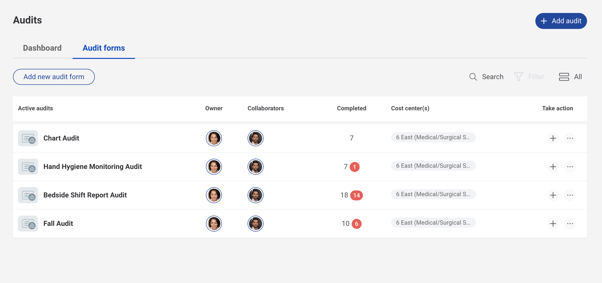
2. Click the audit form of interest. 
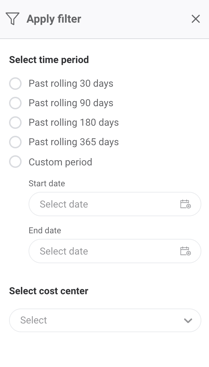
3. Click Filter to filter the Audit by time period or cost center
How to Export an Audit
1. Within the Audits dashboard, click Audit Forms.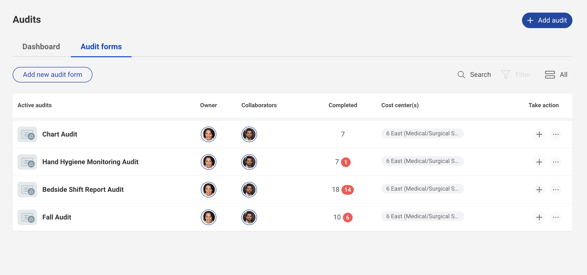
2. Click the audit form of interest.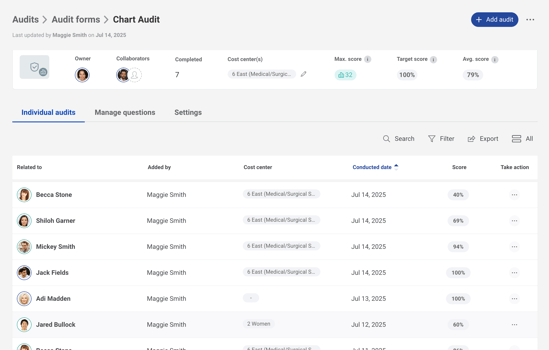
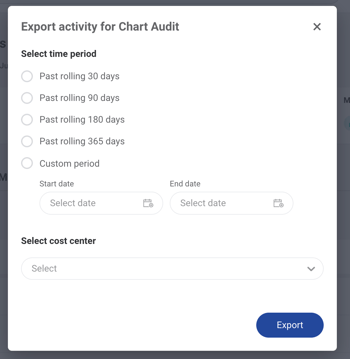
3. Click Export and select the time period of activity which you would like exported