![Laudio_Wordmark_RGB_Color (1)-3.png]](https://7157272.fs1.hubspotusercontent-na1.net/hubfs/7157272/Laudio_Wordmark_RGB_Color%20(1)-3.png)
iPhone
Before you begin:
-
- Make sure that you have iOS 14 or iPadOS 14 or later, and that you have the app properly installed on your device.
- Make sure you have Outlook downloaded onto your phone
Step-by-Step:
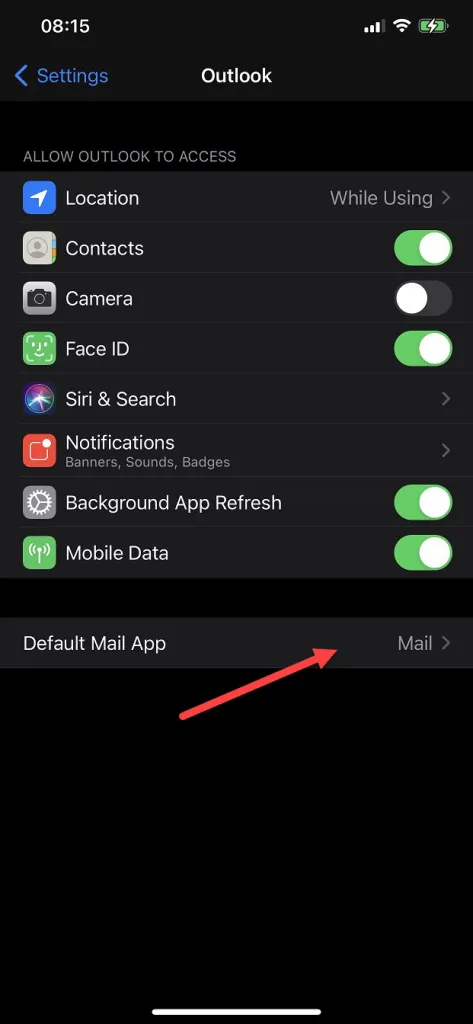
- Navigate to Settings and select Outlook
- Click on "Default Mail App"
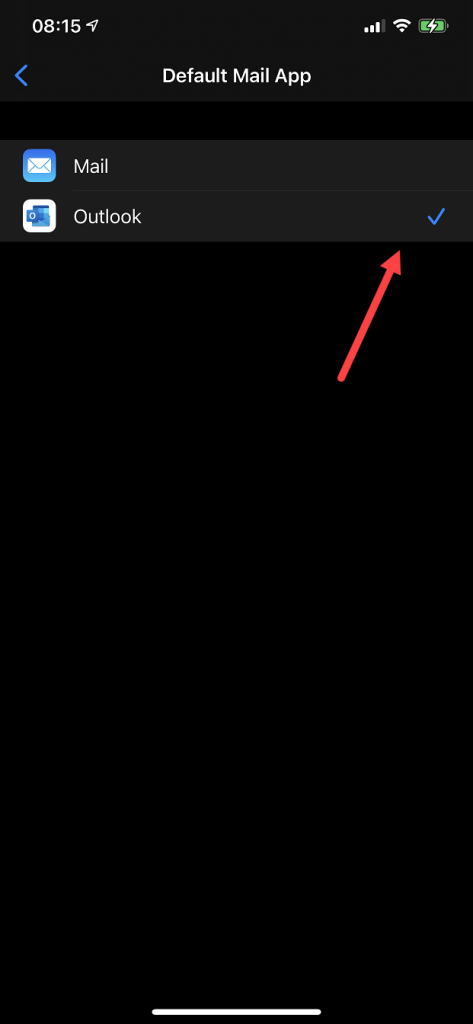
- Select Outlook